GS1 Digital Link for small businesses: start with the GTINs you already have
If your products carry an EAN barcode, you can have your first GS1 Digital Link QR code live this week, using identifiers you already own. No compliance team, no packaging redesign, no consultant.
Unitag tracks 2.4 million scans daily across 189 countries, for global brands and small producers alike. The platform is certified by GS1.
You are already halfway there
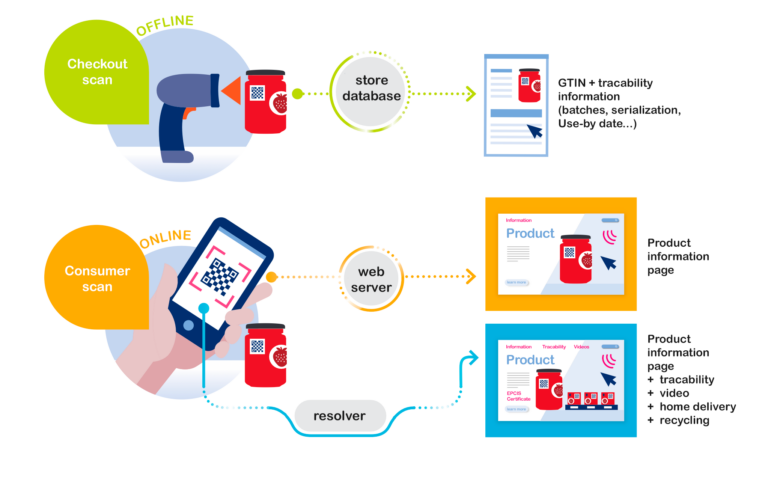
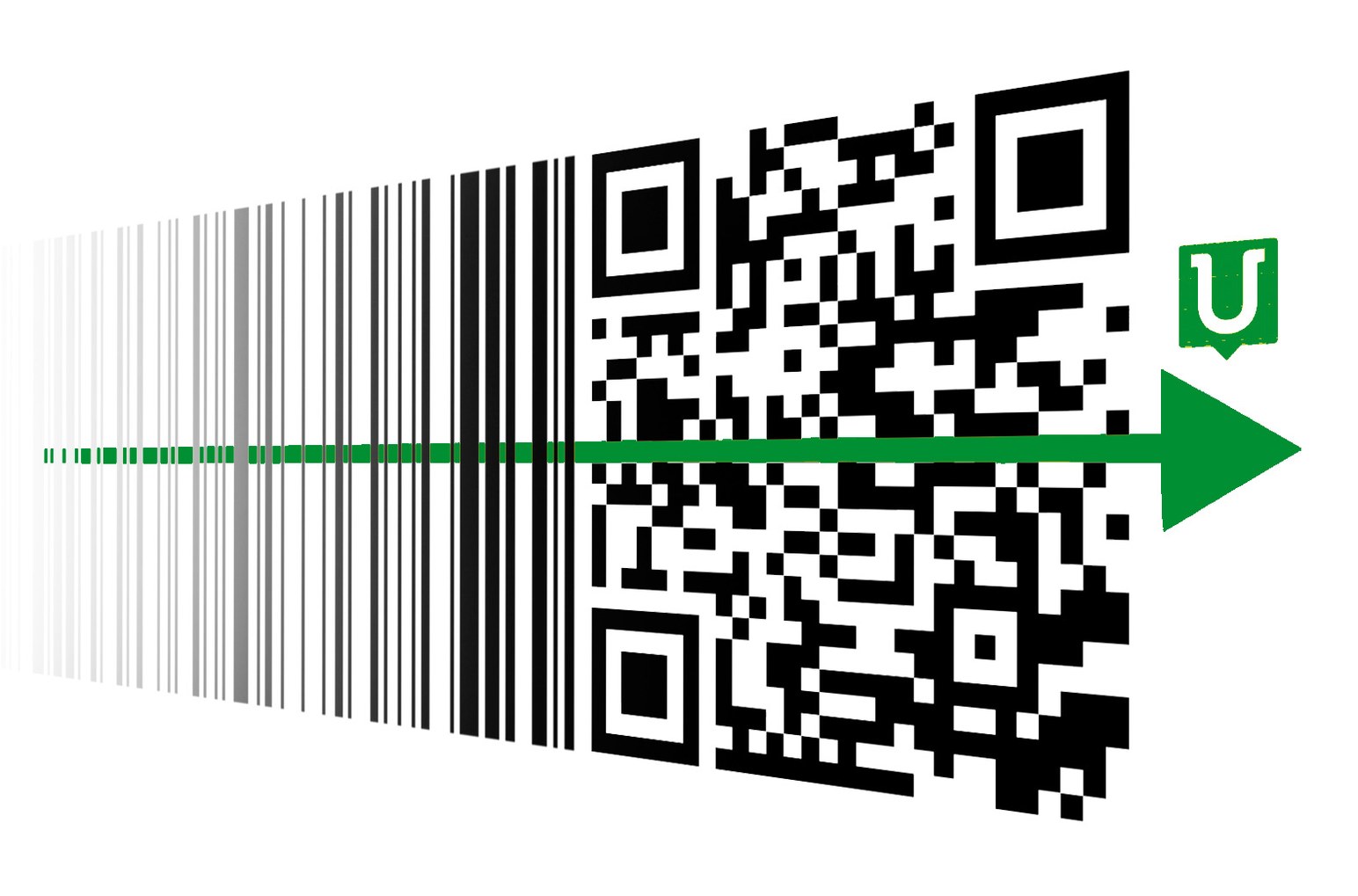
If your EAN barcodes came from GS1, you already hold GTINs, the global identifiers for your products. (If they came from a third-party reseller, step one is a GS1 membership, quick and inexpensive for a small business.) That is the raw material of a GS1 Digital Link QR code: a QR code whose web address carries your GTIN, following the GS1 standard. One printed QR code then does two jobs. Retail checkout scanners can read your product identification from it as retailers equip themselves through 2027, and shoppers reach whatever you choose to show them.
Nothing about starting requires a packaging overhaul. QR codes go onto your next natural print runs, product by product, at the pace of your own reprints.
Three uses that pay their way now
A small business does not need a compliance project to justify these QR codes; the marketing uses carry them, and regulation can graft on later.
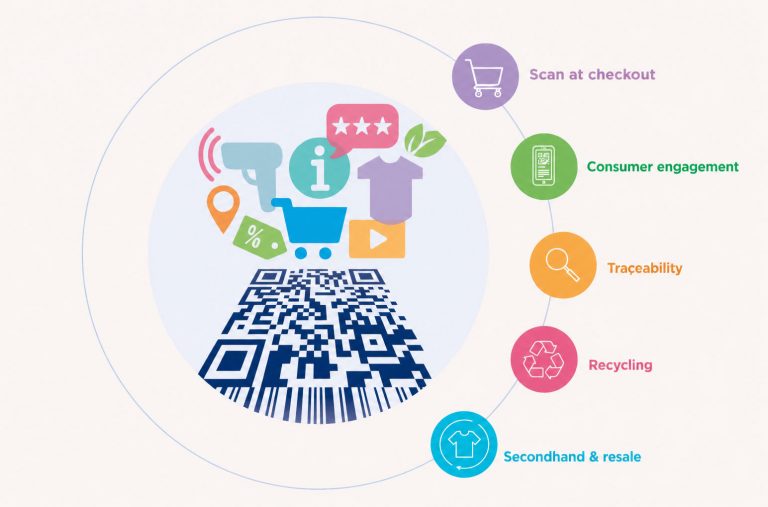
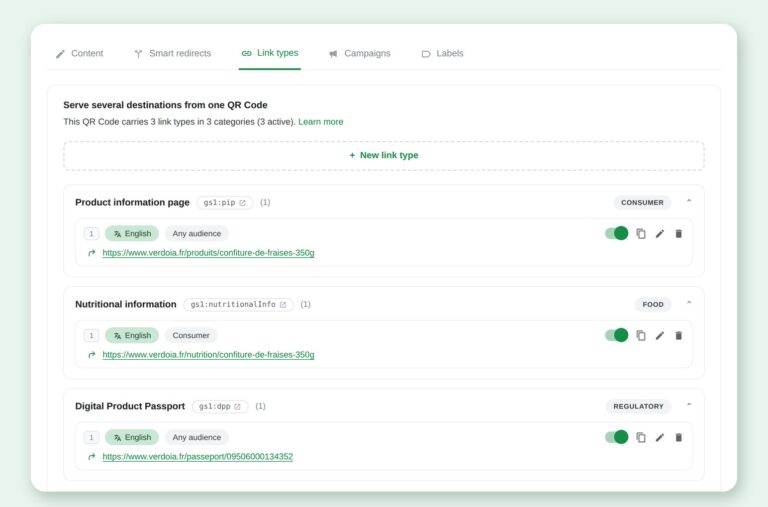
- A product page that lives. The QR code points wherever you decide: recipe, instructions, provenance story, a seasonal campaign. You change the destination from the console; the pack stays as printed.
- Scan data you can act on. Who scans, where, when, on which range: analytics your team reads without training, feeding decisions about ranges and markets.
- Quiet regulatory readiness. If your sector ever enters the Digital Product Passport’s scope, the passport becomes one more destination behind QR codes you already printed. Businesses that set their links now will have nothing to reprint that day; businesses that wait will redo their labelling on the regulation’s schedule instead of their own.
Bonduelle organises its ranges with GS1 Digital Link QR codes
The same mechanics work for a small catalogue.
What “no dedicated team” means in practice
Setup is three steps, doable by one person with no technical background:
- Create the QR codes. Import your existing GTINs into the console; GS1 Digital Link QR codes generate in bulk, with print files in the formats your printer expects.
- Choose the destinations. One address per product or per range, changeable at any time. Rules by language or country come in when you export.
- Watch the scans. The dashboard reads by product and range, and exports when a retailer asks for the numbers.
Digital Link plans start at levels sized for small catalogues, with EU hosting and GDPR compliance included. Details are at unitag.io/pricing, and the GS1 Digital Link guide explains the standard without jargon.
Create your first GS1 Digital Link QR code with the GTINs you already own
Free trial, no commitment.
Read next
- GS1 resolver: one printed QR code for Sunrise 2027 and the Digital Product Passport
- The EU Digital Product Passport registry is live
- GS1 Digital Link resolver: the practical guide