

QR code templates
QR codes Templates helps you saving and reusing QR Design in one click! Templates are only graphic - it does not affect content.
To create a new QR code Template:
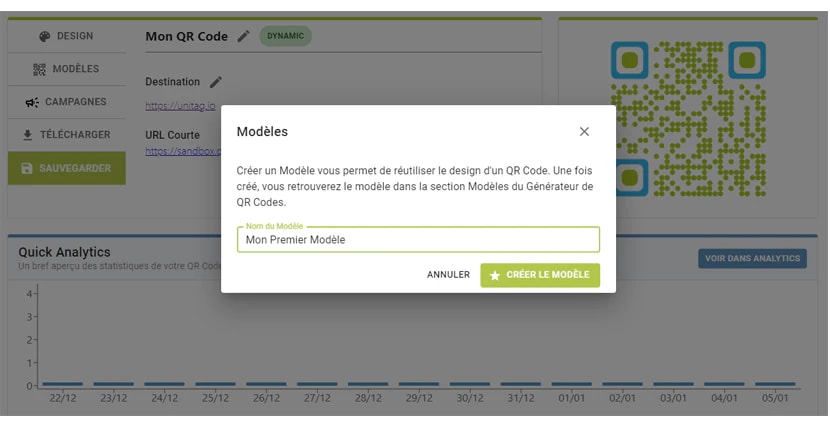
After publishing, click on within the QR code information page.
Name the template then click on .
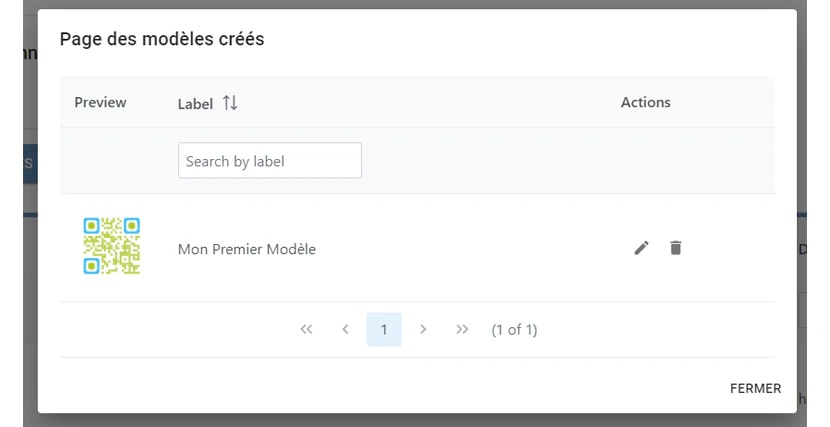
Templates can be found by clicking in the QR codes list page. Templates can be used in the QR codes generator (templates menu) and on a batch to edit multiple QR codes.