

Organise your QR codes
A campaign groups QR codes that belong to the same piece of work, so you can find them together in the list and read their scan statistics as one figure rather than code by code.
Using Campaigns
Add a QR code to an existing Campaign
To associate a QR code to an existing Campaign:
Create a QR code.
Click on in the QR code information page menu, on the left.
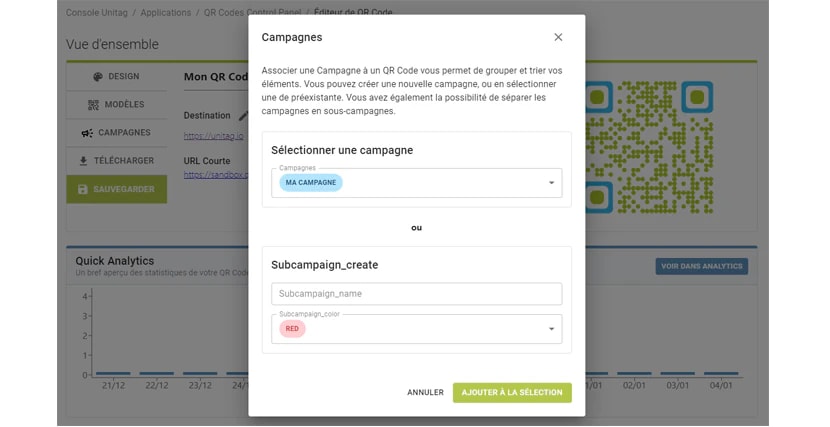
In the Select Campaign field, click on desired Campaign.
Click on .
Create a new Campaign
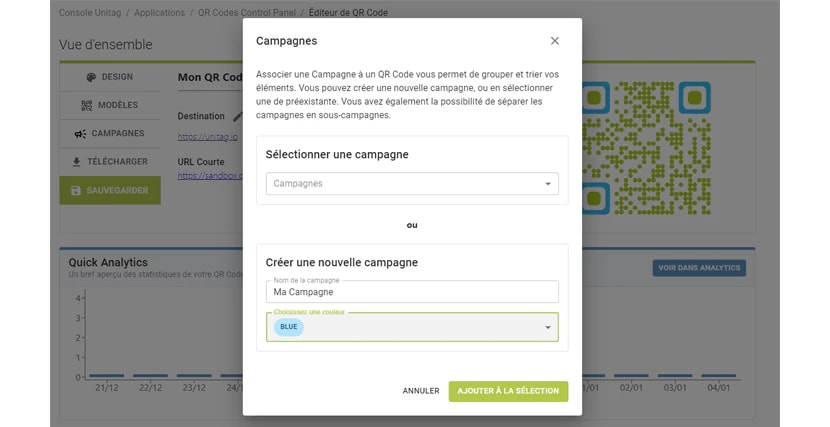
You can create new Campaigns from the Campaigns pop-up menu.
Fill the New Campaign field.
Choose a cosmetic color.
Click on .