


Customise the short URL
Every dynamic QR code redirects through a short URL. The domain belongs to Unitag - or to you, on a Dynamic Pro code - but the suffix at the end, the part that identifies this particular code, is yours to choose. A suffix someone can read tells them where they are about to land, which is the difference between a link that looks deliberate and one that looks like a random redirect.
To choose the suffix of a short URL:
Open the QR Codes app.
Click .
In General information, beneath the destination field, click change short URL.
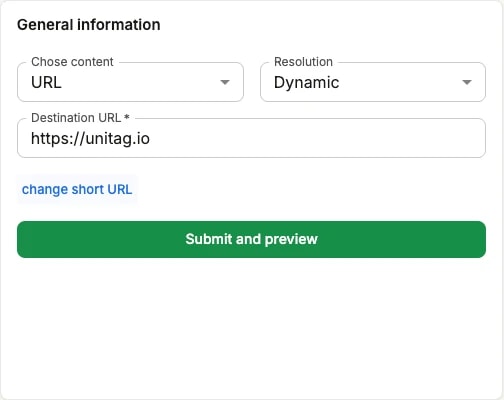
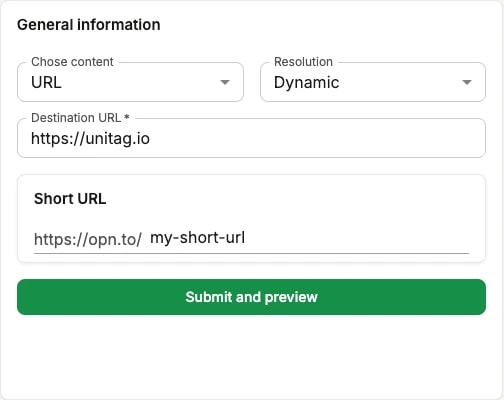
Type the suffix you want after the https://opn.to/ prefix. Keep it short and readable — it is the part people will see.
Click to continue.
Finish creating the QR code — the suffix is saved with it.
The suffix is also where UTM parameters go if you want scans of this QR code to arrive in Google Analytics already attributed to a campaign.