


Edit a QR code destination
Editing content is only available for Dynamic and Dynamic Pro QR codes. After editing, the QR code will automatically redirect to your new content.
This features includes only Web/URL QR codes.
To edit a QR code's destination:
Go to the QR code app.
Find the correct row, then click . This will display the QR code information page.
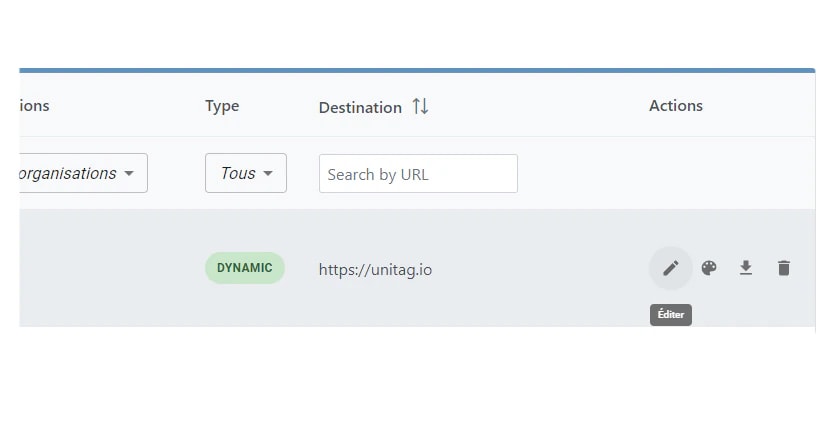
Right to the Destination field, click .
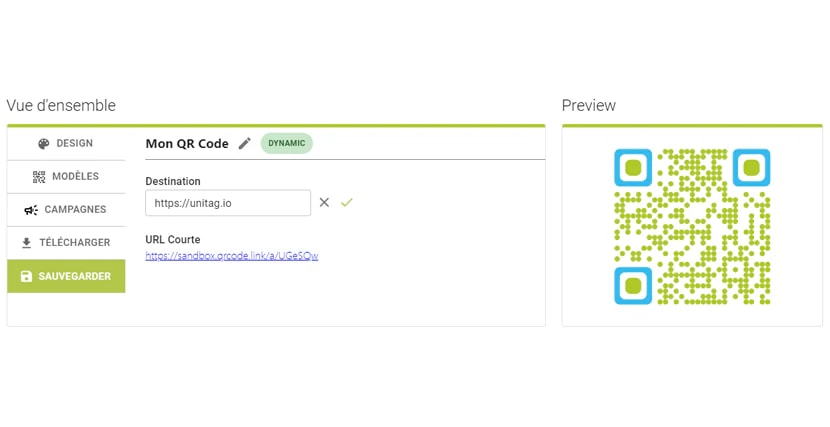
Give the QR code a new content.
Click on .
The QR code will now redirect users to the new content, and content of existing printed QR codes will be updated as well.