


Edit a QR code design
You can edit an existing QR code's design. However, be wary that editing a QR code's design is similar to creating a new one. This is not recommended for QR code that are already published and printed.
In order to edit a QR code design:
Open the QR Codes app.
Right-click the row of the QR code you want to change, then pick
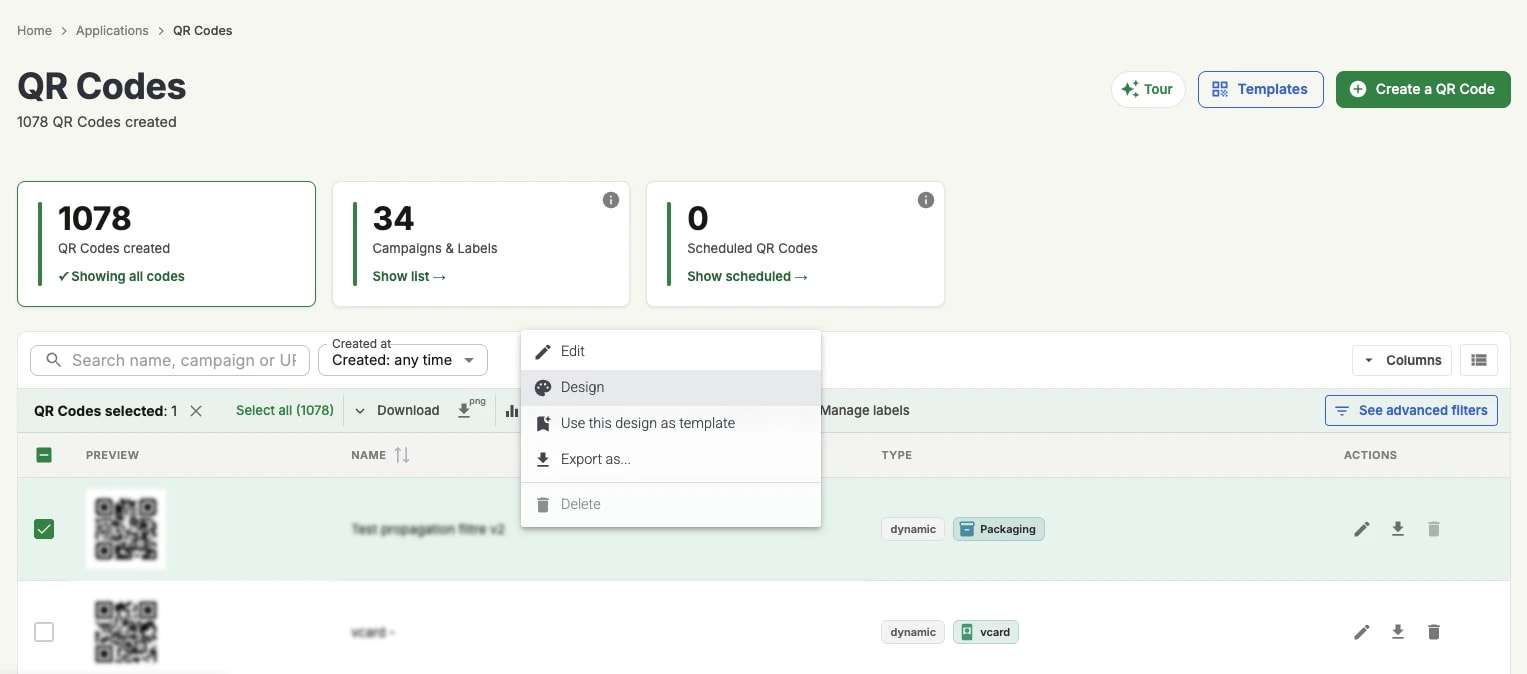
Change the design as you like.
Click on .
The same panel can be reached from the QR code's own page.