

Unitag GS1 Digital Link
A barcode on a pack carries one number and nothing else. GS1 Digital Link is the standard that turns that number into a web address, so the same identifier a till reads can also open a page for whoever scans it with a phone.
Unitag's Digital Link application creates those codes: you give it the product's GS1 identifiers, it builds a standard-compliant Digital Link URI, and it wraps that in a Dynamic Pro QR code you can print.
Why it is not just a QR code with a URL
Two properties come from the standard rather than from us:
The identifier is in the address. The URL is built from the GTIN — /01/09506000149301 — so anything that can read the code can also read the product identity out of it, without a lookup table.
One code, several answers. A scan can ask for a specific kind of information — the product page, the allergen list, the instruction manual, the recycling rules — and the same code answers with a different destination for each. That is what link types are, and it is why a Digital Link code can replace a fistful of codes on a pack.
Regulation is the usual reason accounts arrive here: a code that must serve consumer information in one context and supply-chain data in another cannot be a single fixed URL.
Your GTIN allowance
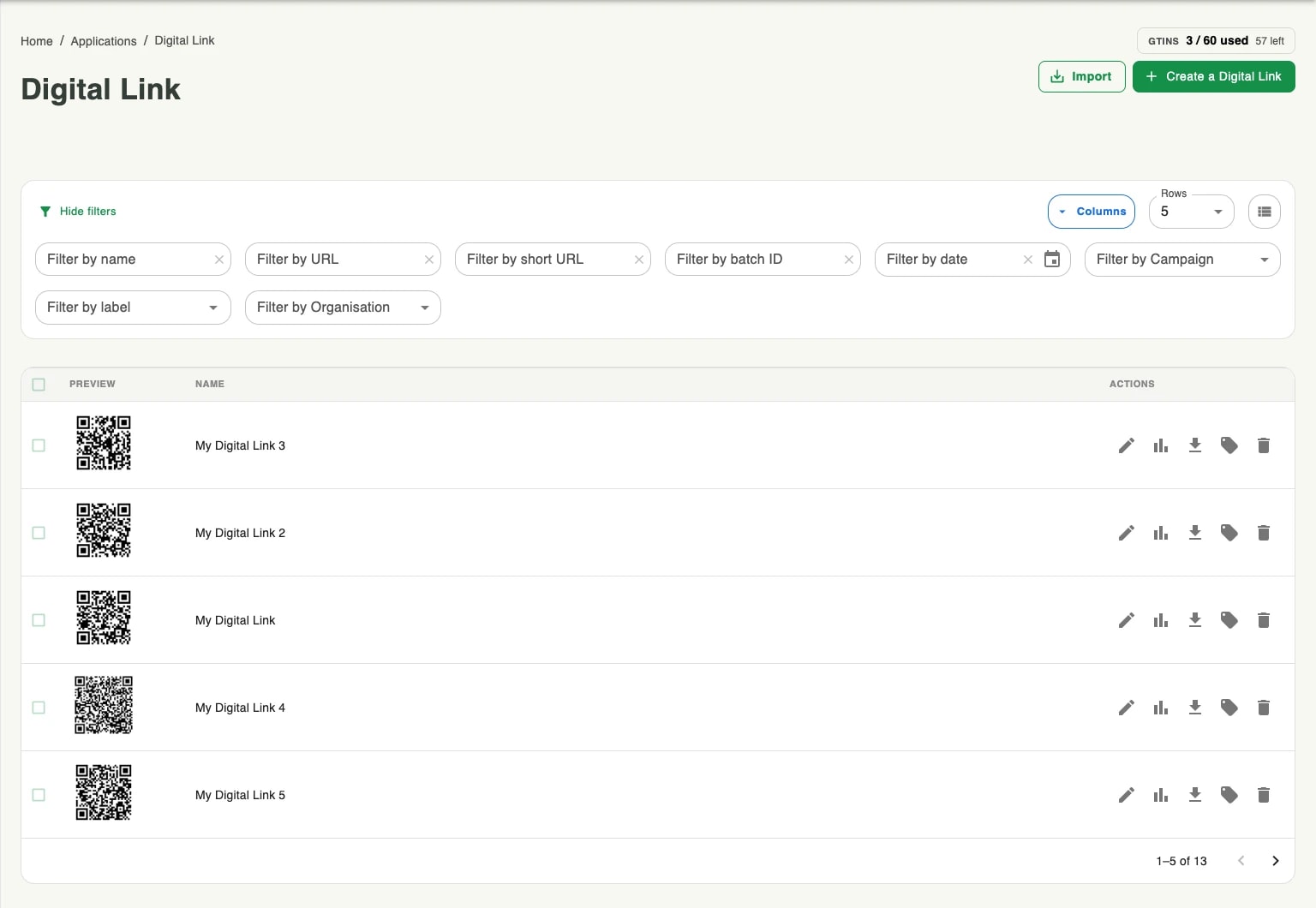
Digital Link codes are counted by GTIN, not by scan. The counter at the top right of the application shows how many of your allowance are in use and how many are left. It moves when you create a code against a new GTIN.
Digital Link and Packaging
There are two ways into a Digital Link code, and which one you want depends on how much else you are modelling.
The Digital Link application creates codes one at a time, or in bulk through Atlas. Use it when the GS1 identifiers and a destination are all you need.
Smart Packaging can create GS1 Digital Link products too, inside a structure of brands, ranges and products, with per-country and per-language redirections and geolocation apps around them.
The QR code that comes out is the same standard either way. The difference is what sits behind it.
Where to find it
Digital Link is in the Apps group of console.unitag.io, or at the Digital Link entry in the console's left navigation.